
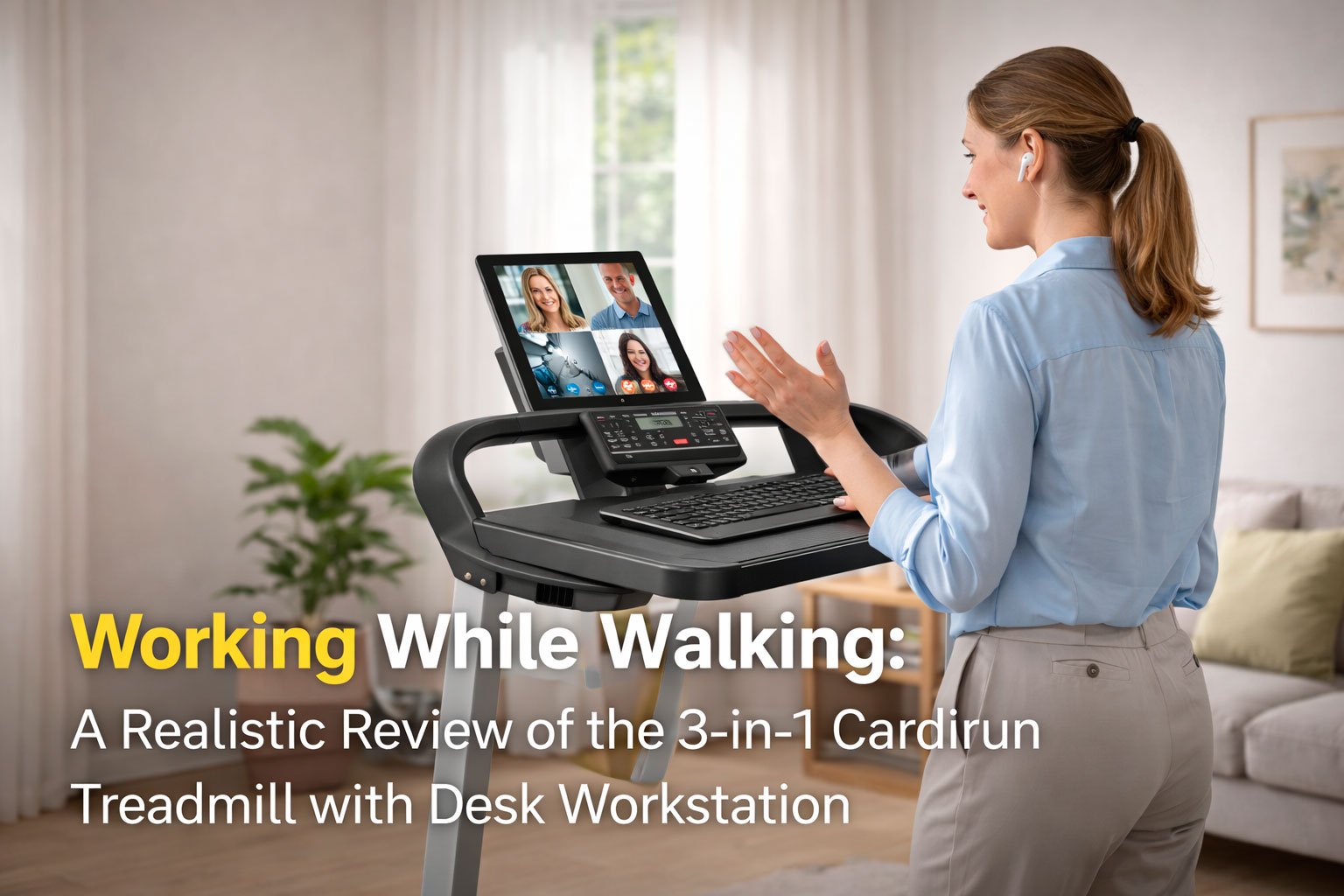
This review looks at the 3-in-1 Cardirun Treadmill with Desk Workstation as a work tool, not a fitness gadget. The goal is to answer one question honestly: what kind of work can you realistically do while walking, and where the limits appear.
The model used as an example is 3-in-1 Cardirun Treadmill with Desk Workstation. The conclusions also apply to similar desk treadmills and walking pads with work surfaces.
What makes a desk treadmill different
A desk treadmill is not about workouts. It is about low-intensity movement during cognitively light tasks. Even a mild walking load increases heart rate, breathing frequency, and postural muscle engagement. This has a direct effect on attention, fine motor control, and decision-making speed.

The Cardirun 3-in-1 format is flexible:
– under-desk walking pad with rails folded
– supported walking with handrails up
– workstation mode with a detachable desk surface

This flexibility matters because work quality depends strongly on speed and posture.
Walking speeds that actually work
Based on user testing and occupational ergonomics research, realistic speed zones look like this:
0.8–1.5 mph
Best zone for typing, reading, calls, and light analytical work.
1.5–2.2 mph
Acceptable for passive tasks, listening, meetings, reviewing content. Typing accuracy drops for many users.
Above 2.2 mph
Work quality declines sharply. This becomes exercise, not work.
The Cardirun’s wide speed range is useful, but for work purposes most users stay well below the maximum.
Work tasks that combine well with walking
Email processing and inbox cleanup
Short replies, sorting, flagging, archiving. Cognitive load is low and rhythm-based walking helps maintain focus.
Reading documents and articles
Reports, drafts, research materials. Walking often improves sustained attention for reading tasks.
Video calls where you mostly listen
Team syncs, briefings, lectures. Speaking while walking slowly is usually fine, especially with handrails.
Creative thinking and planning
Outlining ideas, thinking through structures, brainstorming. Many users report improved idea flow at low speeds.
Administrative work
CRM updates, simple data entry, form reviews, scheduling.
Light coding or editing
Only at very low speeds. Precision work requires frequent pauses.
Work tasks that do not combine well with walking
Complex problem solving
Tasks that require holding multiple variables in working memory suffer even at slow speeds.
Financial work and calculations
Spreadsheets, budgeting, accounting checks. Error rates increase noticeably.
Precision typing
Long-form writing, programming, or anything where mistakes are costly.
Design and visual alignment work
Layout, UI design, image editing. Fine visual-motor coordination degrades.
High-stakes decision-making
Legal review, negotiations, performance evaluations. Walking introduces unnecessary cognitive noise.
Bonus! Working While Walking: Should You Buy a Compact Treadmill? Quick Decision Flowchart
A quick decision guide for home offices and small spaces
Why attention drops even at low intensity
Walking is not “free” for the brain. Even mild movement:
– engages balance systems
– increases sensory input
– competes for attentional resources
This is why desk treadmills work best when movement replaces sitting, not when it replaces focused thinking.
User experiences: mixed but honest
Collin, 42, remote project manager
“I use it at 1.2 mph for emails and meetings. It’s perfect. But when I tried to write reports while walking, I kept losing my place. Now I stop the belt for serious work.”
Judith, 58, online tutor
“I like walking during lectures I listen to. Speaking slowly is fine. Writing notes while walking doesn’t work for me, so I pause when I need to type.”
James, 35, software developer
“I wanted to code while walking. Didn’t work. Even at low speed, I made more mistakes. I now use it for thinking and calls, then stop to type.”
Rachel, 61, retired but part-time consultant
“For me it’s about health. I walk slowly while reading documents. It keeps my back from hurting. I don’t try to rush.”
How the Cardirun setup helps or limits work
What works well:
– stable desk surface for laptops and notebooks
– multiple control options to stop or slow instantly
– quiet motor that doesn’t interfere with calls
– wide belt that feels stable at low speeds
Limitations to understand:
– desk depth is fine for laptops, not large monitors
– walking posture changes typing mechanics
– incline mode is not compatible with desk work
Who this treadmill is actually for
Good fit:
– remote workers
– writers and editors (with pauses)
– consultants and managers
– seniors who want light daily movement
Not ideal for:
– intensive programming sessions
– financial or legal professionals doing deep analysis
– designers doing precision visual work
Final takeaway
A desk treadmill like the Cardirun 3-in-1 is best viewed as a health-support tool for low-intensity work blocks. It replaces sitting, not thinking. Used correctly, it improves daily movement and comfort. Used incorrectly, it reduces work quality.
The most effective pattern is simple: walk for light tasks, stop for deep work.